To download them, click on the image below.

Here is a preview of her kit


Whenever I go to my mother's house I think of a more elegant Christmas with beautiful ornaments and rich colors. Part of the joy of not having little kids at home I guess (although grand kids love it anyways). It's warm and cozy with rich colors and sweet smells.

My kids always dream of the magic of a white Christmas and even though I can't offer it to them this is what their version of Christmas should be. Full of glitter, ornaments, snow and fun.

My kids are always busted doing something they aren't supposed to and sometimes we just have to capture the evidence with pictures. This kit is also a nod to those professionals who keep us safe. So many choices to scrap this kit with, So Busted is full of fun goodies!

This little boy is here to save the day! He's not afraid of anything and has the courage of a lion. Celebrate those special moments when he feels like he can take on the world. Special thanks to Alice Smith for the use of her graphics!

She's amazing, incredible, she's SUPER! Whether your little girl loves dressing up and flying in to save the day or is just all around awesome this kit is full of goodies for your super little girl! Special thanks to Alice Smith for the use of her graphics!
Here is a preview of her kit


 < Here are my freebies. Just click on the image to download:


1) Select a font that matches the layout style. This whimsical kit, Camden's Buddies, has a bunch of fun, adorable dinosaurs, so I wanted a rough yet playful title art. I selected Jailbird Jenna because of its 'broken' nearly concrete feel and the offset baseline of the letters.

2) I typed the words in the size I wanted. I called my page Sizzling Saurus.
3) Then, in your Layer's menu, select 'Rasterize' (about half-way down the pulldown menu). This converts the editable type into pixels.
From here you can do a number of things. I'm going to show you 2 that are a quick and easy way to make a coordinating alpha for your layout.
Stickers
Do steps 1- 3 from above
4) Creating a font sticker is a simple as stroking your rasterized words. With your word layer selected, Go to: Edit >Stroke.
5) Use a wide point size to get a thick sticker border, lets say I put in 10 here. And then I select the color by clicking on the color box. I use the eye dropper tool to select a color within my layout to make sure it all fits nicely together. 
6) Then create your shadow or use as you would any other alpha. What I love about this method is that the word can all connect. I think its a fun look. 

The second alpha type trick is to take your rasterized word, make it into a mask by pulling in a fun patterned paper. Do up to step 3 from above.
4) select the paper you like, then bring it in on a new layer, above the rasterized type layer.
5) holding down the Ctrl key (Cmmd key on a Mac), click on the line between your paper layer and your rasterized words in your layer palette. This clips the paper to your words.

6) Go to your word layer and select just the letters. (a quick and easy way to do this is to select all (ctrl A /cmmd A) then using your arrow keys, nudge the selection. It will automatically select just the words on this layer).
7) add a new empty layer and, with the outline of the words selected from step 6, go to Edit> Stroke. Select the color and stroke width (I chose 10 pts and the pale yellow from my background paper).
8) add a slight drop shadow and there, you have a sticker alpha created from your paper.


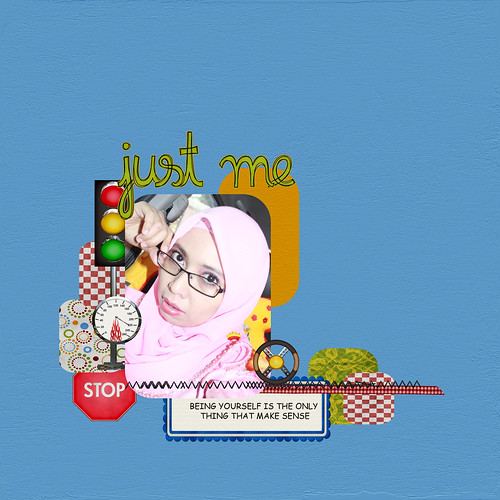
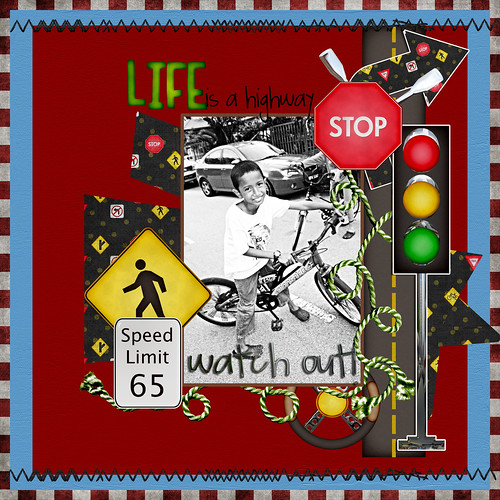
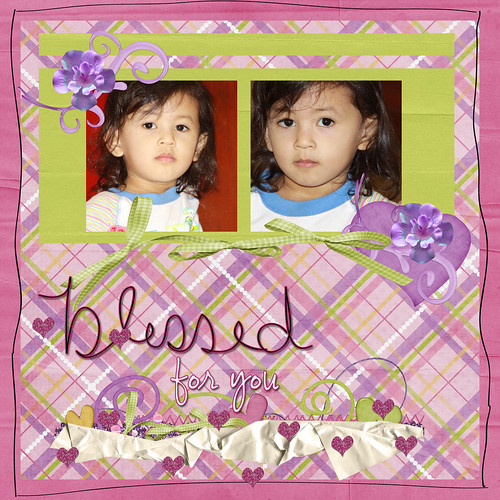
I am a bit tight on time at this moment. I just don’t got the time to make template for this week entry. Today I would very much like to showcase my layouts using this amazing kit by Wimpychompers Creations called Girl Bundle 1 Kit. Available at ScrapMatters.
Template is from Kandy Kane Creations.
till next week.
 Thats right! Christina is now exclusively at Scrap Matters!! AND she is having an awesome sale to celebrate =) So make sure you stop by the store to check out all the awesomeness.
Hello Monday! How was everyone’s weekend? Hope it was amazing and creative.
I’ve been spending most of my weekend at home. It was too hot outside. Hotter than usual. The climate is going crazy over here. It did rain a bit but didn’t help with the temperature.
Anyhow I am excited to talk about Wimpychompers Creations new kit available at Scrapmatters. This one is called “How do I roll”. It’s a great outdoor kit for your outdoor photos. 
---------------------------------------------------------------------------------------------
These are my layouts using the above kit.